Google Nest Mini [Review and how to setup Guide]
![Google Nest Mini [Review and how to setup Guide]](/content/images/size/w600/2023/08/nest-mini--1-.png)
The Google Nest Mini is a life assistant for you which will be your favorite camarilla of all. You just need to say it and the work will be done by your new fee - Google Nest Mini.
Quick Verdict:
The Google Nest Mini is a capable, affordable smart speaker for anyone entering the smart home ecosystem. It won't impress audiophiles, but for hands-free control, daily routines, and smart home management, it punches above its price.
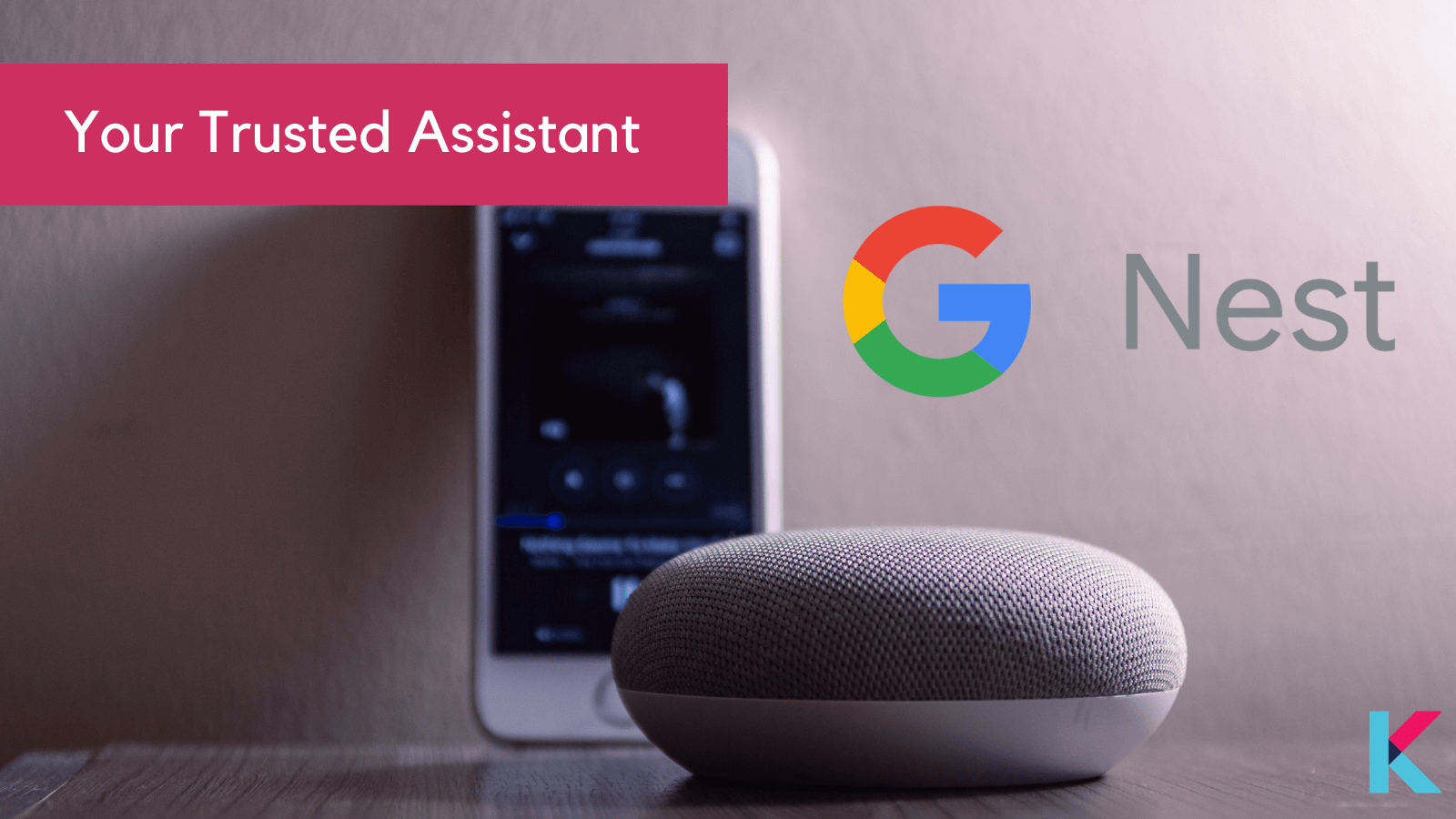
It may be playing a song on spotify when you need it or stream your favorite movie through a Chromecast, or adjust your Philips Hue lighting, all using just your voice and whats more, you may control your nest thermostat using smart plugs or just listen to the latest news or audio books. Already feeling relaxed? Let’s dig more.
What is Google Nest mini?
Google Nest Mini is a multipurpose smart speaker. This includes both Google Assistant and the smart speaker feature.
The Google Nest Mini (2nd Generation) is Google's entry-level smart speaker, built around the Google Assistant. It handles voice commands, plays music, controls smart home devices, answers questions, and manages your daily schedule — all without touching your phone.
At its original $49 price point (often cheaper at retail), it is one of the most accessible entry points into the Google smart home ecosystem.
Who Should Buy the Google Nest Mini?
| Buyer Type | Verdict |
|---|---|
| First-time smart home buyer | ✅ Ideal starting point |
| Budget-conscious shopper | ✅ Strong value |
| Audiophile / music lover | ❌ Look elsewhere |
| Multi-room audio seeker | ⚠️ Pair two units for stereo |
| Google ecosystem user | ✅ Seamless integration |
| Apple/Amazon household | ⚠️ Compatibility friction |
Devices compatible with Google Nest Mini
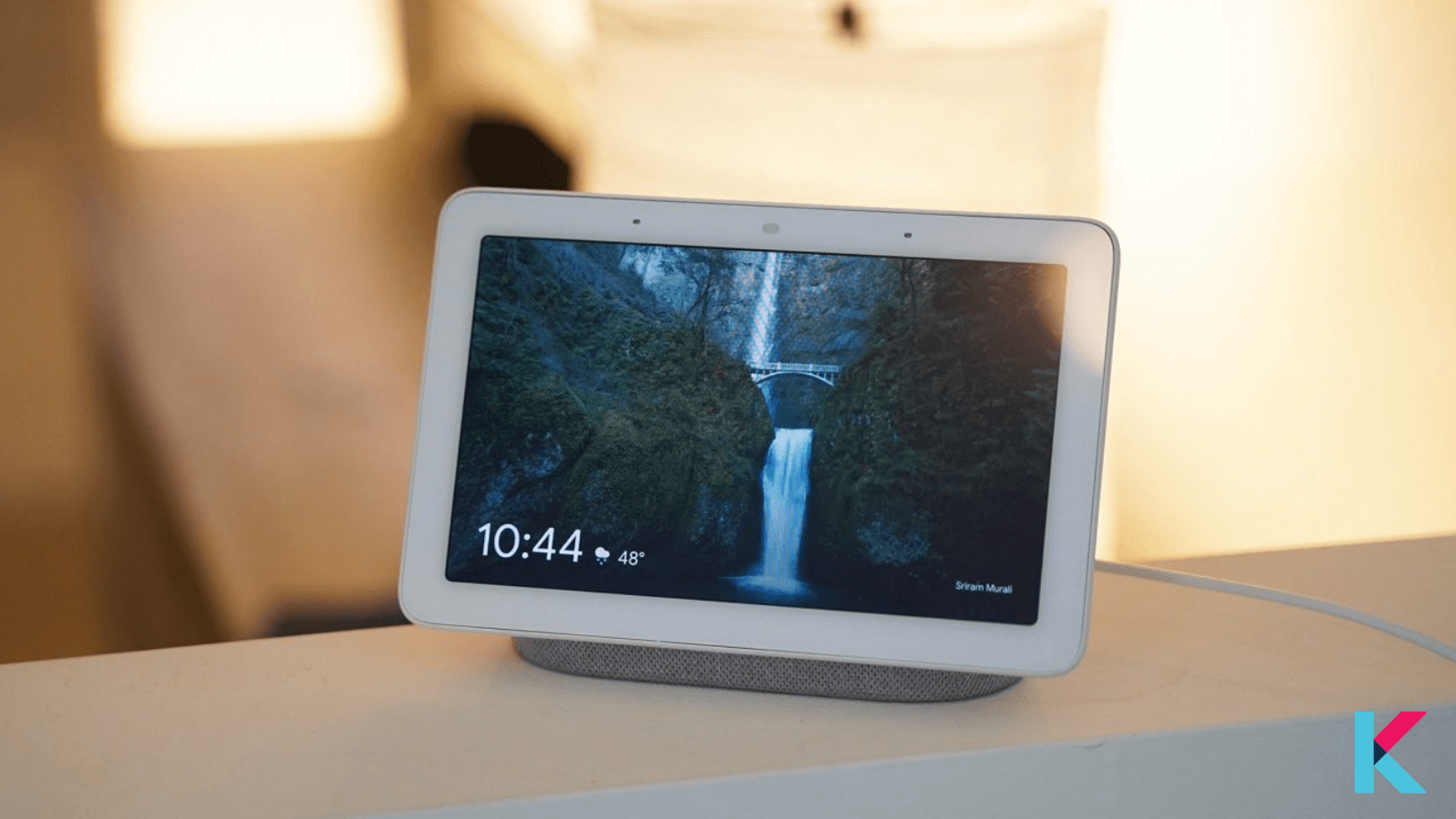
Both iOS (iPhone) and Android can be used to control the Google Nest Mini. Just connect through the Home app and pair the speakers. That’s it. Also you may sync up the Nest mini with non-Google devices, including Philips Hue lighting, Ring cams, Nanoleaf panels etc.
Design: Small, Purposeful, Sustainable
The Nest Mini looks like a flattened hockey puck — and that's intentional. It is compact enough to disappear on a nightstand or countertop without demanding attention.
What's worth noting:
- Sustainable build: The top fabric is made from 100% post-consumer recycled plastic bottles — a genuine sustainability commitment, not just marketing.
- Wall-mountable: A built-in slot on the rubberized base allows direct wall mounting, no brackets needed. This is a surprisingly useful design detail most competitors overlook.
- Capacitive touch controls: Tap the top to adjust volume or pause music. A physical microphone mute switch on the side gives you a hard privacy cut — the device cannot listen when that switch is off.
One constraint to know upfront: The Nest Mini requires a continuous power connection. There is no battery. It is a plugged-in device, always.
Audio Performance: Honest Assessment
The 2nd generation brings real improvements over the original Home Mini — notably double the bass and 360-degree sound. For its size, the audio is respectable.
What it does well:
- Clear, punchy highs
- Adequate bass for spoken content and casual listening
- Fills a small room at moderate volumes (tested max: ~70 dB)
Where it falls short:
- Mono sound on a single unit — fine for a kitchen, limiting for a living room
- Not built for high-fidelity music listening
- At max volume, audio quality noticeably degrades
The workaround: Pair two Nest Minis to create a stereo configuration. This significantly improves the listening experience but doubles the cost.
Best use cases for audio: Morning news, podcasts, alarms, ambient background music, and Google Assistant responses.
Smart Home Integration: Where It Actually Shines
This is the core value proposition of the Nest Mini — and it delivers well.
What it controls:
- Smart lights (Philips Hue, LIFX, and others)
- Thermostats (Nest, Ecobee)
- Security cameras and doorbells
- Smart plugs, locks, and sensors
Key integration features:
- Matter Smart Home Standard support: Matter is the new universal smart home protocol. The Nest Mini natively supports it, meaning it works across brands without compatibility headaches — a future-proof advantage.
- Voice Match personalization: The device recognizes different household voices and serves personalized responses — your calendar, your commute, your Spotify profile. Multiple household members each get their own experience.
- Nest Doorbell chime: One of the most practical and underrated use cases — the Nest Mini acts as a chime for Nest Doorbells throughout your home.
Setup: Genuinely Simple
Setup is managed through the Google Home app (iOS and Android). The process is straightforward:
- Plug the device into power
- Open Google Home app → tap "+" → "Set up device" → "New device"
- Follow the on-screen prompts
- Connect to your Wi-Fi network
Total setup time for a typical user: under 5 minutes.
Maintenance: Firmware updates are pushed automatically but can also be triggered manually through device settings in the Google Home app. Keep it updated — this matters for both security and feature access.
Privacy: What You Need to Know
The Nest Mini is always listening for its wake word. That's the fundamental trade-off with any smart speaker. If that concerns you, here is what you can control:
- Physical mic mute switch: Hard cuts the microphone — no software override possible
- Local processing chip: A dedicated 1-TeraOPS ML chip processes common requests locally, reducing how often your voice data travels to Google's servers
- Account hygiene: Disconnect unused third-party services from your Google account regularly
- Network security: Use a strong router password and keep your home network secured
The honest take: if data privacy is a primary concern, any always-on smart speaker requires trust in the manufacturer. Google has made structural improvements here with local processing — but the trade-off still exists.
What does a Google Nest Mini do
You may ask your Google Nest to play some music which can be chosen from Google Play, YouTube Music, Spotify, Pandora (US and AUS), TuneIn and iHeartRadio.
Furthermore, you can ask Uber for a quick ride or add a meeting to your Google Calendar, stream your favorite shows to your Chromecast via Netflix, YouTube, Hulu and HBO Now, or create your own IFTTT commands to bring other apps to the party.
The main feature, Google assistant apart from Bluetooth is the best thing in this cheap smart home product
If you tried other virtual assistants like Siri, Alexa or Bixby in the past, or have tried Google Assistant on another Android device, you’ll know what to expect here.
This assistant that can tap into your calendar to make appointments, set reminders and timers, control the music from popular streaming services, connect to some smart TVs and answer many - but not all - of the questions you can come up with on a day-to-day basis.
Setting up and using the Google assistant is really fast and easy and has been very much popular in past few years. It’s just logging in using your email, and assigning it to a room and that’s all.
From the Google Home app you can set up multi-room groups that enable you to hear the same song across different speakers if you own more than one Google Assistant speaker, and control any smart devices you own if you’re too far away from the Nest Mini.
But the swindle part is you have to have a subscription to either Spotify, YouTube Music, Deezer or Pandora to play a specific song by Nest Mini. The Google Nest Hub and Nest Hub Max can play YouTube Music songs on command without a subscription with ads but this does not apply to Nest Mini.
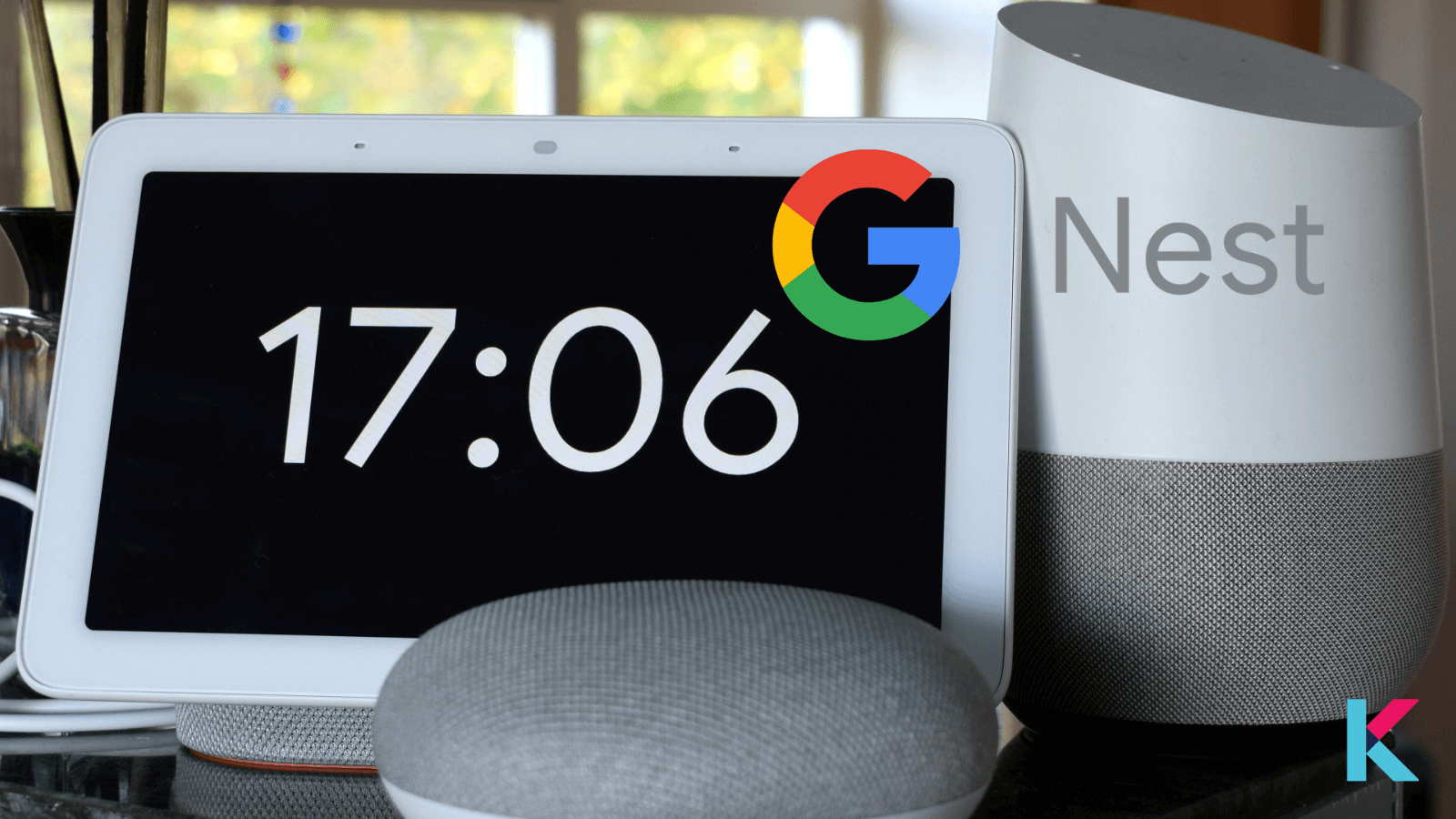
So what's best for you is Find a song on YouTube you want to listen to on your phone and then connect via Bluetooth to hear that song on the Nest Mini.
Find the full list of supported Google Nest Mini apps here.
Google Nest Mini features
- Size: 1.65 x 3.85-inch
- Microphones: 3
- Screen: No
- Aux input: No
- Colors: Chalk, Charcoal, Coral, Sky
- Launch Price: $49 / £49 / AU$79
- Google Assistant upgraded with machine learning
- Bass boosted for bigger sound
- Capacitive touch controls
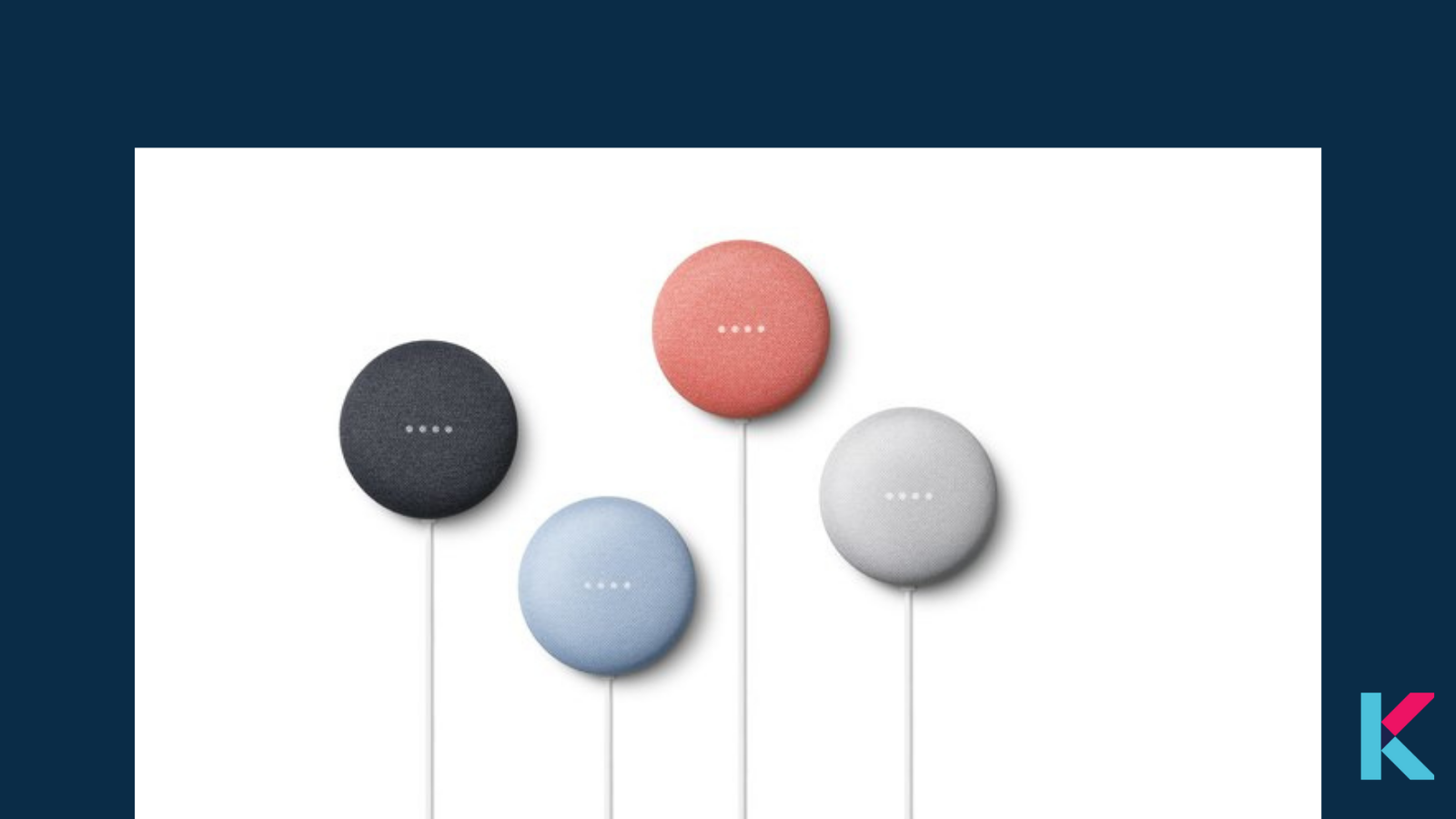
The Google Nest Mini consists of many colors such as Chalk (off-white) or Charcoal (grey-black), Coral (pink-red) or Sky (light blue). You may choose the color suits to your living room or interior decor. This color and the design hint low key and the low price of the product.
Other than this color variation, the Nest Mini has a fabric mesh on top that covers three touch-capacitive buttons for raising and lowering the volume, and play/pause. On the underside, you’ll find a rubberized base that compliments the fabric mesh and hides a microphone mute button on the backside near the power port. For the first time in Google speakers, you’ll find a place for a universal mount for easy hanging on a wall.
As many would prefer, you won’t find a 3.5mm line-out jack in Nest Mini that could connect to any other speaker or a line-in aux port that would allow you to connect your phone or MP3 player. You’ll find this type of jack on the Amazon Echo Dot (3rd Generation) that was released a year prior to the Nest Mini and on last year’s new Amazon Echo. But, you still have Bluetooth 5.0 that can connect your smartphone.
Want to compare Google Nest Mini and Google Home Mini to find the best smart speaker for your home? Let's find the complete comparison and review of Google Nest Mini vs. Google Home Mini.
Known Issues and Reported Problems
No device review is complete without the rough edges.
Real complaints from users:
- Accent recognition: The Google Assistant struggles with foreign accents and loanwords. Non-native English speakers report frequent misrecognition — a frustrating and well-documented limitation.
- Unprompted activation: Some users report the device activating randomly — including reading Wikipedia entries without being asked. Occasional, but annoying.
- Regional language defaults: Global bundle units sometimes ship defaulting to Japanese or Chinese. Fix: factory reset (hold the base button for 15 seconds).
- Non-standard power plugs: Some international bundles ship with EU-style plugs. Verify the plug type before purchasing if you're in North America.
Technical Specifications at a Glance
| Spec | Detail |
|---|---|
| Processor | 64-bit quad-core ARM @ 1.4 GHz |
| ML Chip | 1 TeraOPS (local voice processing) |
| Connectivity | Dual-band Wi-Fi + Bluetooth |
| Audio | 360° sound, 2x bass vs Gen 1 |
| Max Volume | ~70 dB |
| Power | Wired only (1.5m cable) |
| Smart Home Protocol | Matter + Google Home ecosystem |
| Audio Output | Mono (stereo with two units paired) |
| Wall Mount | Built-in (no brackets needed) |
| Sustainability | Fabric from 100% recycled plastic |
Pros and Cons
Pros:
- Affordable entry point into smart home
- Excellent Google Assistant integration
- Matter protocol support — broad and future-proof compatibility
- Voice Match for household personalization
- Physical mic mute for privacy-conscious users
- Wall-mountable without additional hardware
- Sustainable materials
Cons:
- Mono audio on a single unit
- No battery — always requires power
- Accent and loanword recognition is inconsistent
- Not suitable for serious music listening
- Occasional unprompted activations
- International units may ship with wrong language/plug defaults
How to set up the Google Nest Mini
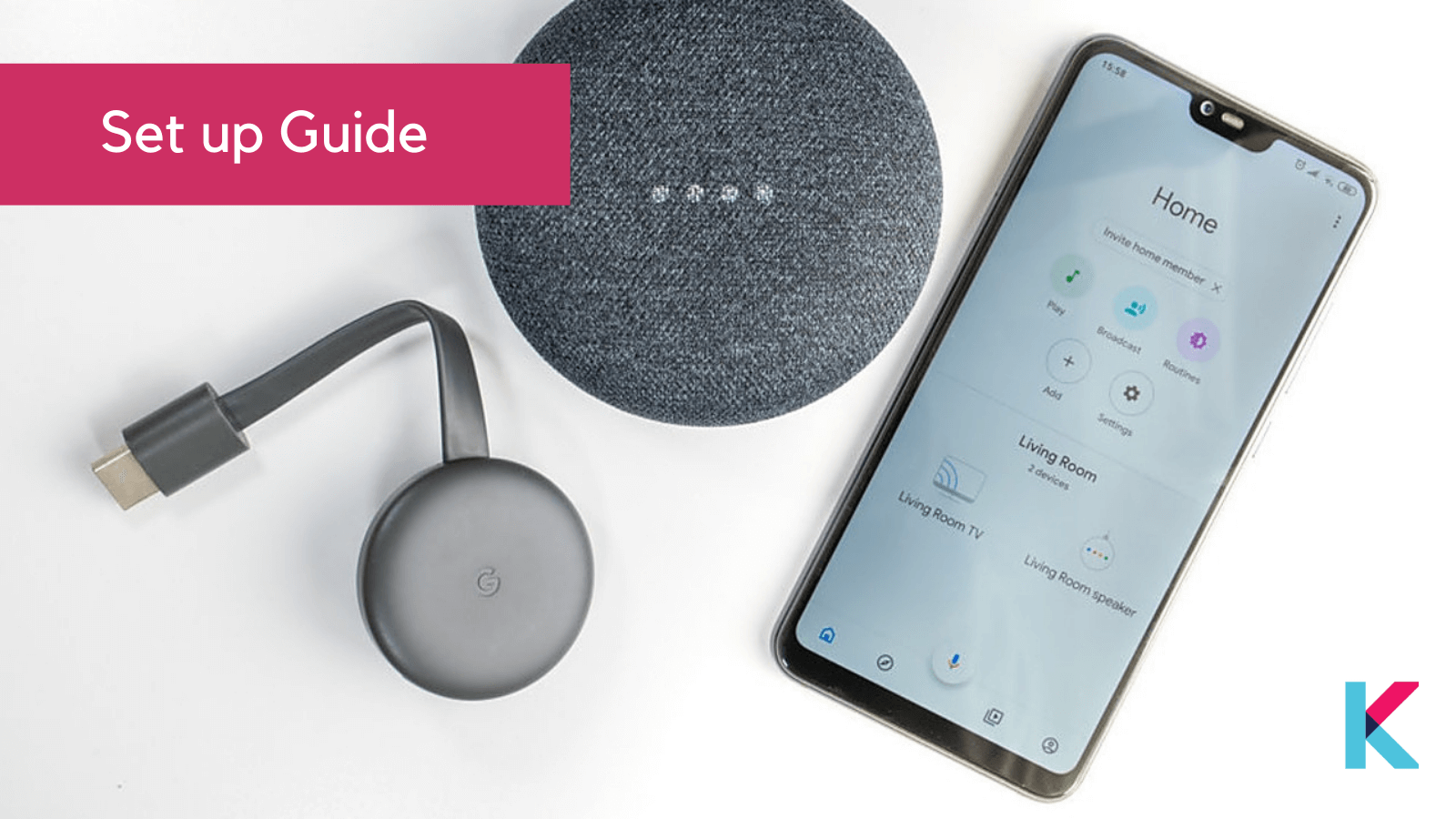
Step 1: Plug the power cord into the Nest Mini and then into a nearby outlet.
Step 2: Download the Google Home app for your Android or iOS device.
If you already have the Google Home app check to make sure it’s up to date before proceeding. You will need to log in using your current Google account or you can create a new Google account Additionally, you need a smartphone or tablet that works with a 2.4 GHz or 5GHz WiFi network and has Bluetooth turned on.
Step 3: Add your Mini to the Google Home app.
After logging in with your Google Account credentials, tap the plus sign icon in the upper left hand corner of the Google Home app. Then, select “set up device” and choose which home you would like to sync your new Nest Mini speaker with. From there, the app will scan for the new speaker and will appear in the Google Home app. Tap on the device name and click next.
Step 4: The Nest Mini will play a sound once it’s successfully set up.
Now, click yes in the Google Home app. The app will also ask you to select the location of your Nest Mini, like kitchen, hallway, or office, to help you keep your devices organized.
Step 5: Connect the Google Nest Mini to WiFi
Connect the Mini to your home’s WiFi. Your network should appear in the Google Home app. Select it and click next.
Step 6: Turn on Voice Match
Then, you will be able to turn on Voice Match, so that Google Assistant can recognize your voice and differentiate between you and other users. Not interested in voice control? Click “No Thanks” in the bottom left hand corner. You can adjust these settings later on also for any time when you have second thoughts. The app will also ask if you'd like to link music, radio, video, or live TV streaming services, as well as set up voice calls.
Step 7 : Take the short walkthrough of the app
As the final step, just swipe on the short walkthrough of how to use the Nest Mini to do things like change the volume on either side of the device, tap the top to play or pause, and how to turn the mic off. To get the most out of your Nest Mini, take a look in the Google Home app to discover what smart home devices are compatible with Google Assistant.
That’s it. You are good to go.
So this is the complete review of Google Nest Mini and the step guide of Google nest mini setup. Let’s catch up again with another interesting home automate system or product.
Final Verdict
The Google Nest Mini is not trying to be a premium speaker — and that clarity of purpose is actually its strength.
If you want to dip into smart home automation, build daily routines around voice commands, or extend Google Assistant through your home without spending much — this device does exactly what it promises.
If you want great sound, look at the Google Nest Audio or a third-party speaker. If you live outside the Google ecosystem, consider whether the integration trade-offs are worth it.
Rating: 7.5/10Best for: Smart home beginners, Google ecosystem users, utility-first buyers Skip if: Audio quality matters, you prefer Apple/Amazon ecosystems, or you have strong data privacy concerns
Frequently Asked Questions
Is the Google Nest Mini worth buying in 2025?Yes — for the price, it remains one of the best entry-level smart speakers for the Google ecosystem. Its value is in smart home control and Google Assistant integration, not audio quality.
Can the Google Nest Mini work without Wi-Fi?No. It requires a continuous Wi-Fi connection to function. Bluetooth is available but limited without internet connectivity.
Does the Google Nest Mini support Matter?Yes. It natively supports the Matter smart home standard, making it compatible with a wide range of smart home devices across brands.
Can I use two Google Nest Minis as stereo speakers?Yes. Two units can be paired through the Google Home app for a stereo configuration.
How do I factory reset the Google Nest Mini?Press and hold the circular reset button on the base for approximately 15 seconds until you hear a confirmation sound.
Does the Google Nest Mini record conversations?It listens passively for the wake word. You can disable the microphone entirely using the physical mute switch on the side.