How to Use Sonoff Devices with Apple HomeKit
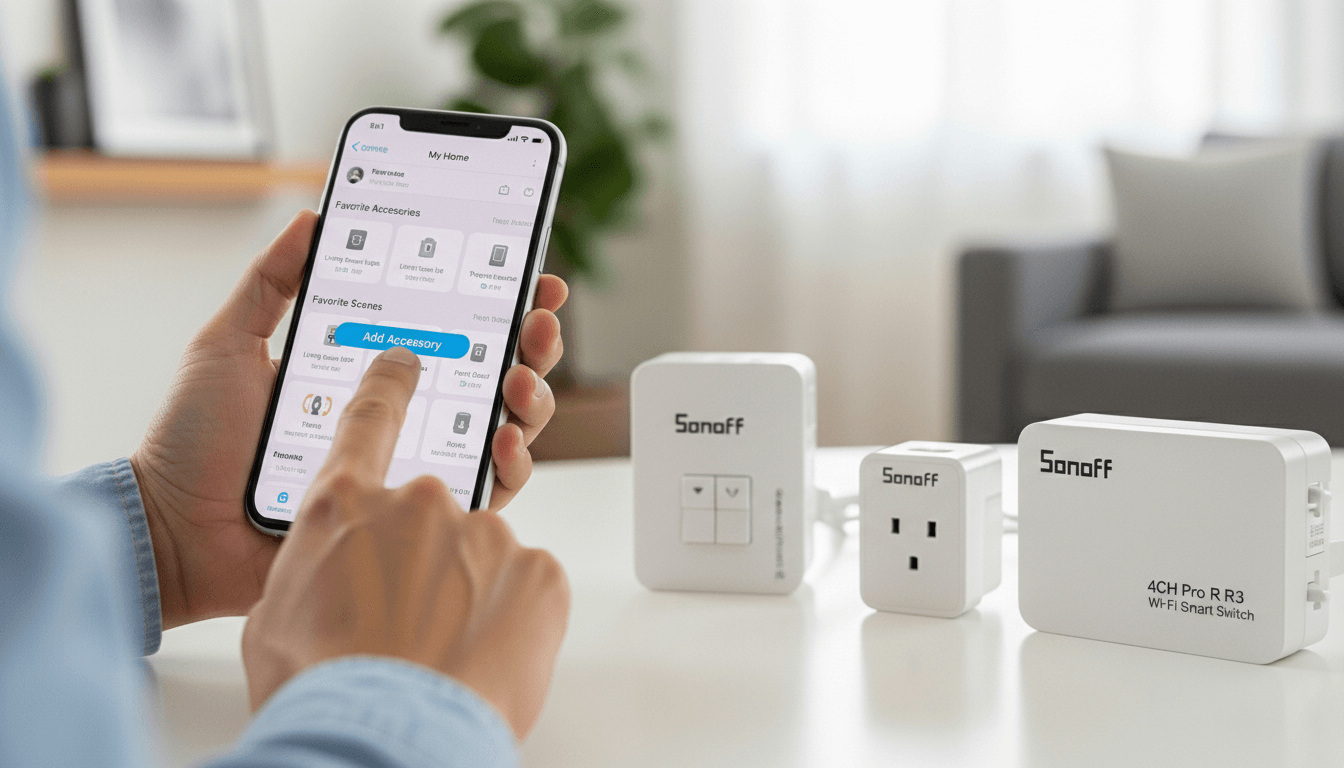
The SONOFF ZBBridge-U is your best path to a working Sonoff HomeKit setup in 2026. This Matter-enabled bridge connects up to 256 Sonoff Zigbee devices directly to Apple Home, giving you full control through Siri and the Home app. Since Sonoff devices use the Zigbee protocol and Apple HomeKit does not natively support Zigbee, you need a bridge to translate between them and the ZBBridge-U does exactly that.
I have tested dozens of Zigbee-to-HomeKit solutions over the years. The shift to Matter has finally made Sonoff HomeKit integration reliable, affordable, and genuinely user-friendly. This guide walks you through everything you need to know.
Key Takeaways
- Sonoff Zigbee devices cannot connect directly to Apple HomeKit. You need a Matter-enabled bridge like the SONOFF ZBBridge-U.
- The ZBBridge-U supports up to 256 sub-devices, making it ideal for large smart home setups.
- Matter is the key technology that allows Sonoff devices to appear natively in Apple Home, Alexa, Google Home, and SmartThings.
- Setup takes under 15 minutes for most users with the eWeLink app.
- Alternative methods exist, including Homebridge and other third-party hubs, but the ZBBridge-U offers the simplest native experience.
Why Would You Want Sonoff Devices in Apple HomeKit?
Sonoff manufactures some of the most affordable and reliable Zigbee sensors, switches, and smart plugs on the market. However, Apple HomeKit has historically been a walled garden. It only certified devices that met strict hardware and software requirements.
Here is why bridging Sonoff HomeKit compatibility makes sense:
- Cost savings: A Sonoff door sensor costs a fraction of a native HomeKit-certified sensor.
- Device variety: Sonoff offers motion sensors, temperature sensors, smart plugs, light switches, and more.
- Mesh networking: Zigbee devices strengthen each other's signal. The more you add, the more reliable your network becomes.
- Low power consumption: Battery-powered Sonoff sensors can last two to three years on a single cell.
The catch? Apple devices speak Wi-Fi, Bluetooth, and Thread. Sonoff devices speak Zigbee. You need a translator.
What Is the SONOFF ZBBridge-U?
The SONOFF ZBBridge-U is a compact Zigbee gateway that plugs directly into a USB power source. It acts as the central hub for all your Sonoff Zigbee devices and connects them to your home network via Wi-Fi.
The critical feature for Apple users is its Matter bridge functionality. Matter is the new universal smart home standard backed by Apple, Google, Amazon, and Samsung. When the ZBBridge-U operates as a Matter bridge, it exposes your Zigbee devices to any Matter-compatible controller including Apple HomeKit.
ZBBridge-U Specifications at a Glance
| Feature | Specification |
|---|---|
| Protocol | Zigbee 3.0 |
| Max Sub-devices | 256 |
| Matter Support | Yes (as bridge) |
| Connection | Wi-Fi 2.4GHz |
| Power | USB (5V/1A) |
| Compatible Ecosystems | Apple Home, Alexa, Google Home, SmartThings |
Pro Tip: The "U" in ZBBridge-U stands for the USB form factor. This version is more compact and easier to position than the original ZBBridge, which required an Ethernet connection.
How Does Matter Make Sonoff HomeKit Integration Possible?
Before Matter, connecting Sonoff devices to HomeKit required workarounds like Homebridge a software server that emulates the HomeKit API. While Homebridge works well, it demands technical knowledge and ongoing maintenance.
Matter changes everything. It is a universal language that all major smart home platforms now understand. When your ZBBridge-U acts as a Matter bridge, it translates Zigbee signals into Matter commands. Apple HomeKit reads those commands natively.
The result: Your Sonoff motion sensor appears in the Apple Home app just like a certified HomeKit accessory. You can trigger automations, receive notifications, and control devices with Siri.
See more: How to add Alexa Devices to Apple HomeKit
How Do You Set Up Sonoff Devices with Apple HomeKit?
Setting up a Sonoff HomeKit system requires three main steps: configuring the bridge, pairing your Zigbee devices, and linking to Apple Home via Matter.
Step 1: Set Up the SONOFF ZBBridge-U
- Download the eWeLink app from the App Store or Google Play.
- Create an account or log in.
- Plug the ZBBridge-U into a USB power source near your Wi-Fi router.
- Tap the "+" icon in the eWeLink app and select "Add Device."
- Follow the on-screen instructions to connect the bridge to your 2.4GHz Wi-Fi network.
What to look out for: The ZBBridge-U only works on 2.4GHz Wi-Fi. If your router broadcasts a combined 2.4/5GHz network, you may need to temporarily disable the 5GHz band or create a separate 2.4GHz SSID during setup.
Step 2: Pair Your Sonoff Zigbee Devices
Once your bridge is online, you can add Zigbee sub-devices.
- In the eWeLink app, open the ZBBridge-U device page.
- Tap "Add Sub-device."
- Put your Sonoff Zigbee device (sensor, plug, or switch) into pairing mode. This usually involves holding a button for 5 seconds until an LED blinks.
- The app will detect the device and add it to your bridge.
Repeat this process for each device. The bridge supports up to 256 sub-devices, so you have plenty of room to grow.
Step 3: Enable Matter and Link to Apple HomeKit
This is where the magic happens.
- In the eWeLink app, go to the ZBBridge-U settings.
- Find the "Matter" or "Add to Other Platforms" option.
- Enable Matter bridge mode. The app will generate a Matter pairing code (usually a QR code or 11-digit number).
- Open the Apple Home app on your iPhone or iPad.
- Tap the "+" icon and select "Add Accessory."
- Scan the Matter QR code or enter the pairing code manually.
- Apple Home will discover the bridge and all connected Zigbee devices.
Pro Tip: Make sure your Apple Home hub (HomePod, HomePod mini, or Apple TV 4K) is updated to the latest software. Matter support requires tvOS 16.1 or later and HomePod software 16.1 or later.
Which Sonoff Zigbee Devices Work Best with HomeKit?
Not every Zigbee device behaves identically when bridged to HomeKit. Based on my testing, these Sonoff devices integrate most reliably:
Sensors
- SNZB-02 Temperature and Humidity Sensor: Displays real-time readings in the Home app. Great for automations like turning on a fan when humidity exceeds a threshold.
- SNZB-03 Motion Sensor: Triggers HomeKit automations when motion is detected. I use one to turn on hallway lights at night.
- SNZB-04 Door/Window Sensor: Perfect for security alerts and "arrive home" automations.
Switches and Plugs
- ZBMINI Smart Switch: Fits behind existing wall switches to make dumb lights smart.
- S26R2ZB Smart Plug: Controls lamps, fans, or small appliances through the Home app.
Lighting
- ZBMINIL2 Extreme Switch: A no-neutral-wire-required switch that works with most light fixtures.
What to look out for: Some older Sonoff Zigbee devices may not fully support Matter exposure. Always check the eWeLink app for firmware updates before attempting the HomeKit link.
What Are the Alternatives to the ZBBridge-U?
While the ZBBridge-U offers the most direct path to Sonoff HomeKit integration, other methods exist.
AddToHomeKit
You can add any Sonoff devices to Apple HomeKit using AddToHomeKit solution. Not only Sonoff devices, you can add any devices with this easy solution.
Homebridge
Homebridge is a Node.js server that emulates the HomeKit API. With the homebridge-ewelink plugin, you can expose Sonoff devices to Apple Home without Matter.
Pros:
- Works with a wider range of legacy devices.
- Highly customizable through plugins.
Cons:
- Requires a dedicated computer or Raspberry Pi.
- Demands ongoing maintenance and troubleshooting.
HOOBS (Homebridge Out of the Box)
HOOBS is a plug-and-play device that runs Homebridge software. It simplifies the technical setup but adds hardware cost.
Other Zigbee Hubs with HomeKit Support
Hubs like the Aqara Hub M2 and Philips Hue Bridge (with Matter enabled) can sometimes pair non-brand Zigbee devices. However, compatibility with Sonoff-specific devices varies. The ZBBridge-U remains the most reliable choice for an all-Sonoff ecosystem.
What Are Common Sonoff HomeKit Problems and How Do You Fix Them?
Even the best hardware encounters issues. Here are the most frequent problems I see and how to resolve them.
Devices Not Appearing in Apple Home
Cause: The Matter link may have failed silently.
Fix: Remove the bridge from Apple Home, reset the Matter pairing in eWeLink, and re-add using a fresh QR code.
Slow or Delayed Responses
Cause: Wi-Fi interference or a weak Zigbee mesh.
Fix: Move the ZBBridge-U closer to your router. Add more mains-powered Zigbee devices (like smart plugs) to strengthen the mesh network.
"No Response" Errors
Cause: Your Apple Home hub may be offline or on a different network.
Fix: Confirm your HomePod or Apple TV is connected to the same Wi-Fi network as the ZBBridge-U. Restart your Home hub if necessary.
Firmware Update Failures
Cause: Unstable internet during the update process.
Fix: Move closer to your router, ensure a strong signal, and retry the update through eWeLink.
Is Sonoff HomeKit Integration Worth It in 2026?
Absolutely. The combination of affordable Sonoff hardware and Matter's universal compatibility creates a smart home ecosystem that rivals expensive native HomeKit setups at a fraction of the cost.
I have built entire home automations—lights that turn on when I arrive, alerts when doors open, climate control based on humidity—using Sonoff sensors and the ZBBridge-U. The integration feels native. Siri responds instantly. Automations run locally.
The only real limitation is that Matter support continues to evolve. Some advanced features available in the eWeLink app may not translate perfectly to HomeKit. But for core functionality on/off control, sensor readings, and automation triggers—the experience is excellent.
FAQ: Sonoff and Apple HomeKit
Can I connect Sonoff devices directly to Apple HomeKit?
No. Sonoff devices use the Zigbee protocol, which Apple HomeKit does not support natively. You need a Matter-enabled bridge like the SONOFF ZBBridge-U to translate between Zigbee and HomeKit.
Does the SONOFF ZBBridge-U work with all Sonoff Zigbee devices?
The ZBBridge-U works with most Sonoff Zigbee 3.0 devices, including sensors, switches, and plugs. Check the eWeLink app for a full compatibility list and ensure your devices have the latest firmware.
Do I need a HomePod or Apple TV for Sonoff HomeKit to work?
Yes. Apple Home requires a home hub (HomePod, HomePod mini, or Apple TV 4K) to control accessories remotely and run automations. The hub also handles the Matter communication with your ZBBridge-U.
Can I use Sonoff devices with HomeKit and Alexa at the same time?
Yes. Matter allows multi-admin support. You can link the same ZBBridge-U to Apple Home, Alexa, Google Home, and SmartThings simultaneously.
Is Homebridge still necessary for Sonoff HomeKit integration?
Not anymore for most users. The ZBBridge-U with Matter provides native integration without requiring Homebridge. However, Homebridge remains useful for legacy devices or advanced customization.
How many Sonoff devices can I add to Apple HomeKit?
The ZBBridge-U supports up to 256 Zigbee sub-devices. Apple HomeKit itself supports up to 150 accessories per home, though performance may vary with very large setups.